Manage every company WhatsApp number from one place
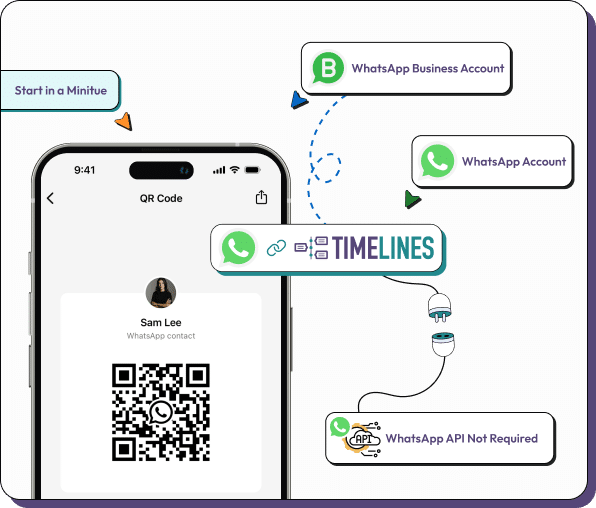
Yes, you can run many WhatsApp numbers in a single inbox. Scan one QR code per number, pay $9.99 a month for each, and your whole team, unlimited and free, sees all the numbers together. Replies leave from the number the customer wrote to.
- One QR code per number, personal or Business app
- $9.99 per channel slot per month, teammates free
- Add Telegram, Instagram, Messenger and web chat alongside
- 7 day free trial, no card needed
Why companies end up with more than one number
One number is easy. Three or four is where phones, tabs and shared logins start to hurt.
Sales and support apart
Keep a sales line and a support line separate for customers, while one team can still see both and hand a chat across.
Brands or regions
A business with several brands, shops or countries can give each its own number and still manage them centrally.
People who hold a number
When a salesperson leaves, the number and its history stay in the workspace instead of on a private phone.
Shared phones retired
Nobody needs to keep a handset charged on a desk so that others can read it.
One list to search
Look up a customer once and find the chat whichever number they used.
Mobile or desktop
Reply from the web app or the iOS and Android apps.
What several numbers cost
Each connected number is one channel slot at $9.99 per month, and team members cost nothing. Two numbers are $19.98 a month, three are $29.97, five are $49.95 and ten are $99.90. A web chat widget, a Telegram account or an Instagram account counts as one slot too, like any other channel.
Add HubSpot or Zoho logging at $4.99 per Integration. Three channels plus one CRM integration is $34.96 a month in total. Adding a slot is prorated at once, and a slot you give up stays active until the end of the period you paid for. The 7 day trial needs no card.
Read the pricing page for the full billing rules.
Adding the second, third and tenth number
Every number follows the same short routine.
Open Linked Devices
On the phone that owns the number, open WhatsApp, then Settings, then Linked Devices.
Scan the code
Point the phone at the QR code in Timelines. The chats start to arrive.
Check the device limit
WhatsApp caps linked devices per account. Remove an old link if you reach it.
Invite and assign
Add teammates, set Admin, Manager or Agent roles and hand chats to people.
Where this helps and where it does not
A QR connection links an existing number as a device, so there is no waiting for approval and no new number to buy. It is not Meta's official Business API. If you need approved templates sent from software, or an official verified profile, see how the routes compare.
For a single number shared by a small team, the WhatsApp shared inbox page covers the basics.
Questions about running several WhatsApp numbers
The same inbox for the rest of your chats
WhatsApp, Telegram and phone
Link personal and Business app WhatsApp numbers and Telegram accounts with a QR code or a login code, and buy Voice numbers in the app. No API application is involved.
Instagram, Messenger and web chat
Add Instagram direct messages, Facebook Messenger and a web chat widget for your site, so a customer on any of them reaches the same team.
AI reply drafts and a knowledge base
AI suggests a reply that a teammate can edit and send, and agents can answer from your knowledge base. A person can take over any chat at any moment.
Ready to bring all your numbers together?
Link a number in a few minutes. The 7 day trial needs no card.