WhatsApp Message Template Generator
Create professional WhatsApp message templates for your business in seconds. Generate ready-to-use templates for sales, support, marketing, and more.
- Pre-built templates for sales, support, and onboarding
- Customize with variables like {name}, {company}, {date}
- Copy and use instantly in WhatsApp Business or API
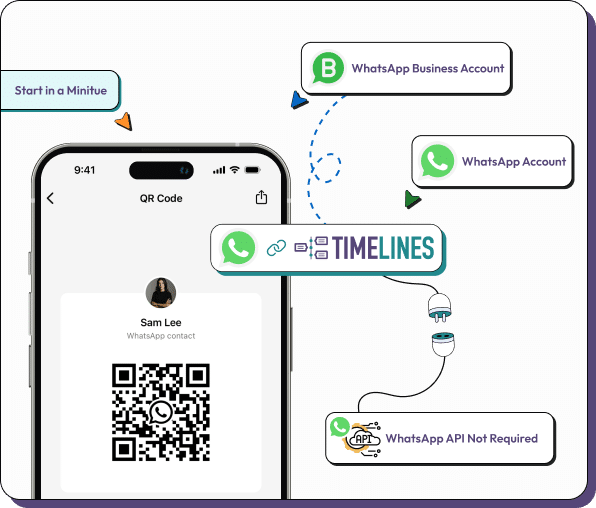
- Reply faster in the Timelines AI-powered shared inbox
Build Better WhatsApp Messages
Use our template generator to craft messages that convert, engage, and automate your WhatsApp communication.
Sales Outreach Templates
Generate compelling first-touch messages, follow-ups, and closing templates tailored for WhatsApp conversations.
Customer Support Templates
Create response templates for FAQs, ticket updates, and resolution confirmations to speed up your support team.
Marketing Campaign Templates
Build promotional messages, event invitations, and product launch announcements optimized for WhatsApp engagement.
Onboarding Templates
Welcome new customers with structured onboarding sequences that guide them through setup and first steps.
Appointment & Reminder Templates
Send booking confirmations, appointment reminders, and rescheduling messages with dynamic date and time variables.
Multi-Language Support
Generate templates in multiple languages to reach your global customer base with localized messaging.
Frequently Asked Questions
Put Your Templates to Work in Timelines
Start your 10-day free trial today. No credit card required.