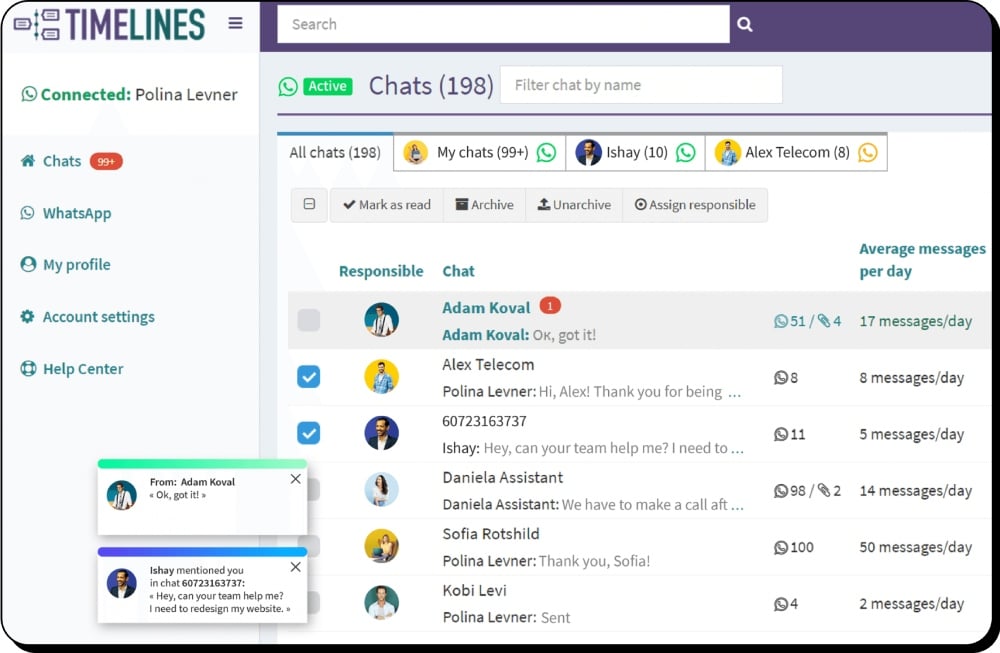
Integrately and Timelines Integration for WhatsApp
Connect Integrately with WhatsApp to create various automated workflows, and integrate with over 1000 apps. No WhatsApp Business API is required.
- Automatically update contact information in your CRM when changes are made in WhatsApp
- Multiple WhatsApp numbers in one place
- Use WhatsApp to nurture leads by sending relevant information based on their CRM status
- Connect WhatsApp with e-commerce platforms like Shopify and WooCommerce
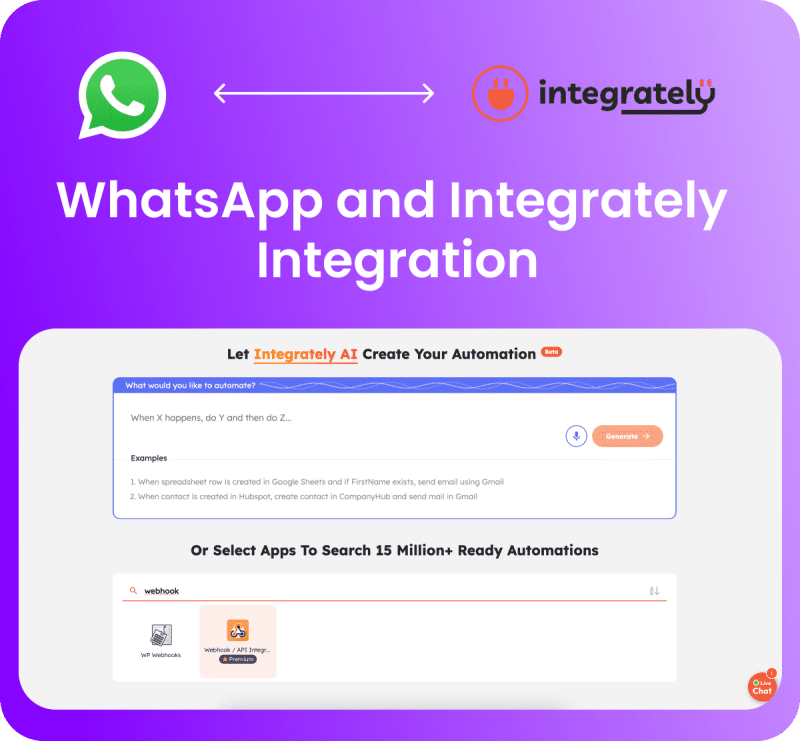
Get the Most Out of WhatsApp and Integrately Integration
Integrately allows you to seamlessly integrate with various tools to enhance your communication and automation capabilities. Timelines Webhooks and API allow you to integrate WhatsApp with any tool using your existing numbers.
Personalized Welcome Messages
Greet new leads with customized messages. Any field available in your CRM can be used to make your message customer specific.
Deal Stage Update Notifications
Stay responsive in your sales pipeline by instantly sending a customized WhatsApp message when Deal stage changes.
Instant Booking Confirmations
Send confirmations on WhatsApp when something is booked on your website and add an additional communication channel.
Never Miss an Important Chat
Every new client is important. Instantly create a task and assign a responsible agent when a new chat is received in WhatsApp.
Connect WhatsApp with E-commerce Tools
With Integrately and WhatsApp integration you can connect WhatsApp with Shopify, WooCommerce, and more. Send order notifications, shipping updates, and personalized thank you messages.
Save Leads from WhatsApp in Your CRM
Effortlessly manage your leads by syncing WhatsApp messages and contacts with your CRM or Google Documents. Keep all lead information centralized and accessible.
How to Connect WhatsApp with Integrately
Get started in 4 simple steps, no technical knowledge required.
Register a Free Trial Account
Create a Timelines account. The 10-day trial is fully featured, no credit card required.
Connect Your WhatsApp
Scan QR code to connect your WhatsApp number. Works with personal and business accounts.
Set Up Integrately Integration
Use Timelines webhooks and API to connect with Integrately. Browse 1000+ available app integrations.
Start Automating
Build automated workflows between WhatsApp and your favorite tools. Send messages, sync contacts, and manage leads automatically.
2500+ Brands Across 34 Countries Use Timelines
Frequently Asked Questions about WhatsApp and Integrately Integration











Ready to Connect WhatsApp with Integrately?
Start your 10-day free trial today. No credit card required.