Why Businesses Choose Timelines Over Other WhatsApp CRM Tools
Discover why Timelines is a preferred alternative to other WhatsApp CRM providers. Compare features like WhatsApp Shared Inbox, ChatGPT AI Agents, CRM integrations, mass messaging, and automation.
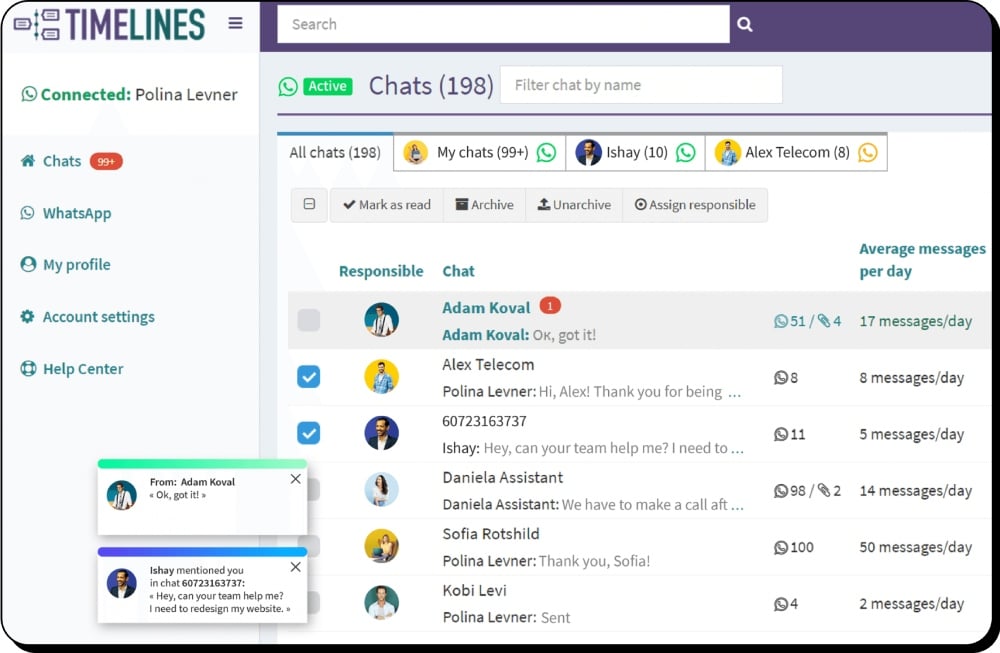
- Native CRM integrations — no middleware required
- ChatGPT-powered AI agents for automated WhatsApp replies
- Multi-number management with shared team inbox
- Transparent pricing with no per-message fees
Timelines vs Alternatives
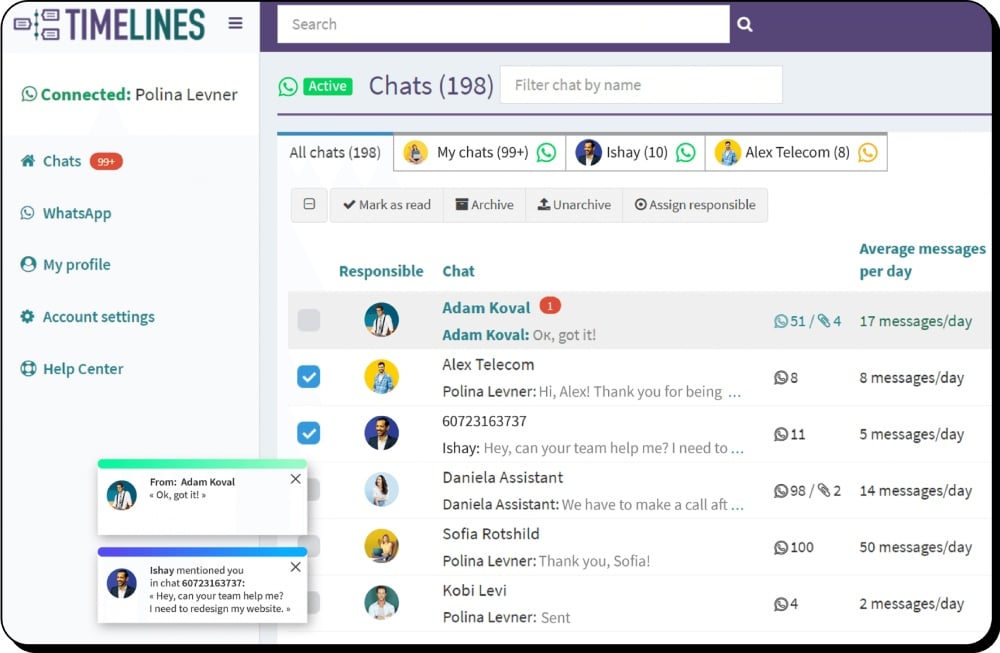
Compare features like WhatsApp Shared Inbox, ChatGPT AI Agents, native CRM integrations, mass messaging, and automation.
Timelines vs Wati
Compared to Wati, Timelines offers simpler WhatsApp setup, direct CRM integration, and AI automation with ChatGPT — ideal for teams wanting faster results.
Timelines vs ControlHippo
While ControlHippo focuses on omnichannel, Timelines delivers a faster WhatsApp-first experience with ChatGPT Agents, easy CRM sync, and clean team collaboration.
Timelines vs Respond.io
Teams choose Timelines over Respond.io for faster CRM syncing, ChatGPT-powered WhatsApp replies, and simpler multi-number management.
Timelines vs Gallabox
Both integrate WhatsApp into CRM workflows, but Timelines provides easier setup, shared team spaces, and smooth CRM sync with no coding required.
Timelines vs Interakt
Timelines connects directly to CRMs like HubSpot, Zoho, monday.com, and Pipedrive. Fast deployment, AI-powered tools, and multi-agent access included.
Timelines vs Wazzup
Compared to Wazzup24, Timelines offers faster setup, direct CRM integrations, and AI-powered replies — ideal for teams using HubSpot, Pipedrive, Zoho, or monday.com.
Frequently Asked Questions
Switch to Timelines Today
Start your 10-day free trial today. No credit card required.